
Blog
7 Best Free Keyword Research Tools for Beginners (And How to Use Them)
July 3, 2026

Quick Overview

INTRODUCTION
Get an idea about this blog

What is keyword research?
Get introduced to keyword research.

Why do you need keyword research tools?
Learn the importance of using keyword research tools and how they can help.

Quick Overview
Get a quick overview of the tools discussed.

Which keyword research tools should you use?
Find out the right tool for the right needs.
Final Thoughts
Conclusion of the blog.
Introduction
Have you ever spent hours writing a blog post, only to realize later that hardly anyone was searching for the topic?
It’s a common mistake, especially for beginners. Many people create content based on what they think their audience wants instead of what people are actually searching for.
That’s where keyword research comes in.
Keyword research helps you understand the exact words and phrases people search for. Instead of guessing which topics might perform well, you can use real search data to create content that matches your audience’s interests.
The good news is that you don’t need expensive software to get started. Several free keyword research tools can help you discover keyword ideas, understand search trends, and make smarter SEO decisions.
In this blog, we’ll explore seven of the best free keyword research tools for beginners, what each one does, and the advantages and limitations of using them.
What Is Keyword Research?
Think about the last time you searched for something on Google. Maybe it was “best restaurants near me," “how to grow indoor plants,” or “website development company in Calicut.”
Those words and phrases that you type into the search bar are called keywords.
Keyword research is simply the process of discovering what people are searching for online. It helps you understand the language your audience uses so you can create content that answers their questions or helps them find what they’re looking for.
For example, if you own a bakery, you might assume people search for “custom cakes.” But keyword research may show that more users are actually searching for “birthday cake delivery near me.” That small difference can completely change the content you create.
Instead of guessing, keyword research helps you make decisions based on real search behaviour.
Why Do You Need Keyword Research Tools?
You could try to guess which keywords your audience is searching for, but that’s all it would be, a guess.
Keyword research tools help remove that uncertainty by giving you access to real search data. They can show you what people are searching for, how popular a keyword is, how competitive it might be, and even suggest related search terms you may not have considered.
Using these tools can help you:
- Discover new content ideas.
- Understand what your audience is actually searching for.
- Find keywords that are easier to rank for.
- Identify seasonal or trending topics.
- Build a stronger SEO strategy based on real data instead of assumptions.
Whether you’re writing your first blog or planning content for your business, keyword research tools make the entire process much easier.
Quick Overview of the 7 Free Keyword Research Tools
| Tool | Best For |
|---|---|
| Google Keyword Planner | Finding search volume and keyword ideas |
| Google Search Console | Finding keywords your website already ranks for |
| Google Autocomplete | Discovering popular search suggestions |
| Google Trends | Identifying seasonal and trending searches |
| Ubersuggest | Beginner-friendly keyword research |
| AnswerThePublic | Finding questions people ask online |
| Keyword Surfer | Viewing instant keyword data while browsing Google |
1. Google Keyword Planner
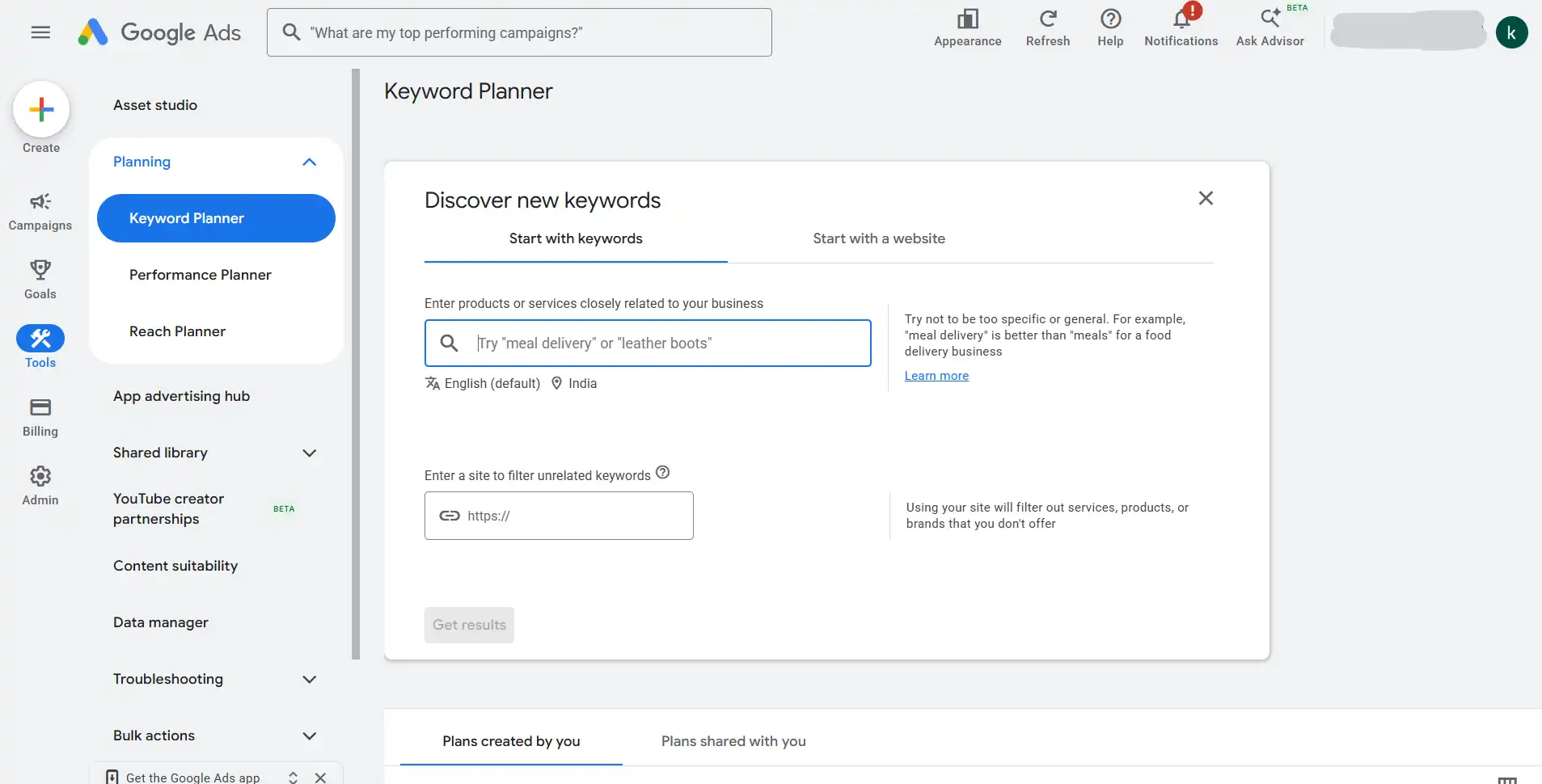
Google Keyword Planner is one of the most trusted keyword research tools available because the data comes directly from Google. Although it was created for Google Ads, it’s also an excellent starting point for SEO keyword research.
It allows users to discover new keyword ideas, understand approximate search volumes, and identify related keywords that people are searching for.
Pros
- Completely free with a Google Ads account.
- Data comes directly from Google.
- Great for discovering keyword ideas.
- Helpful for local keyword research.
Limitations
- Search volumes are often shown as ranges instead of exact numbers.
- Some features are more useful for paid advertising than SEO.
- Requires a Google Ads account.
2. Google Search Console
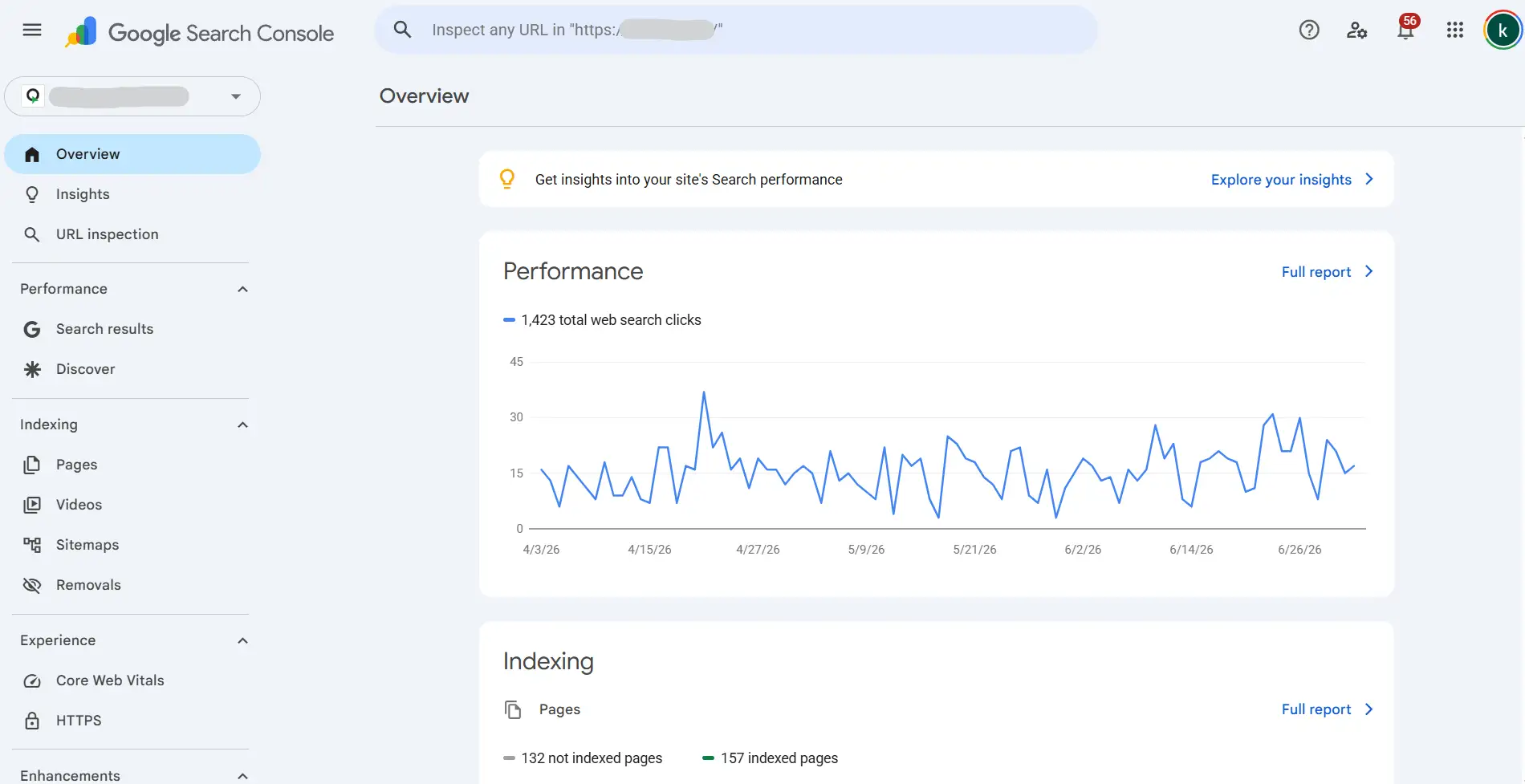
If you already have a website, Google Search Console is one of the most valuable free SEO tools you can use. Instead of suggesting new keywords, it shows the keywords your website is already appearing for in Google Search.
This makes it useful for finding pages that could perform even better with a little optimization.
Pros
- Completely free.
- Shows real search queries.
- Helps monitor website performance.
- Useful for improving existing content.
Limitations
- Requires a verified website.
- Doesn’t help with websites that are brand new.
- Limited competitor research.
3. Google Autocomplete
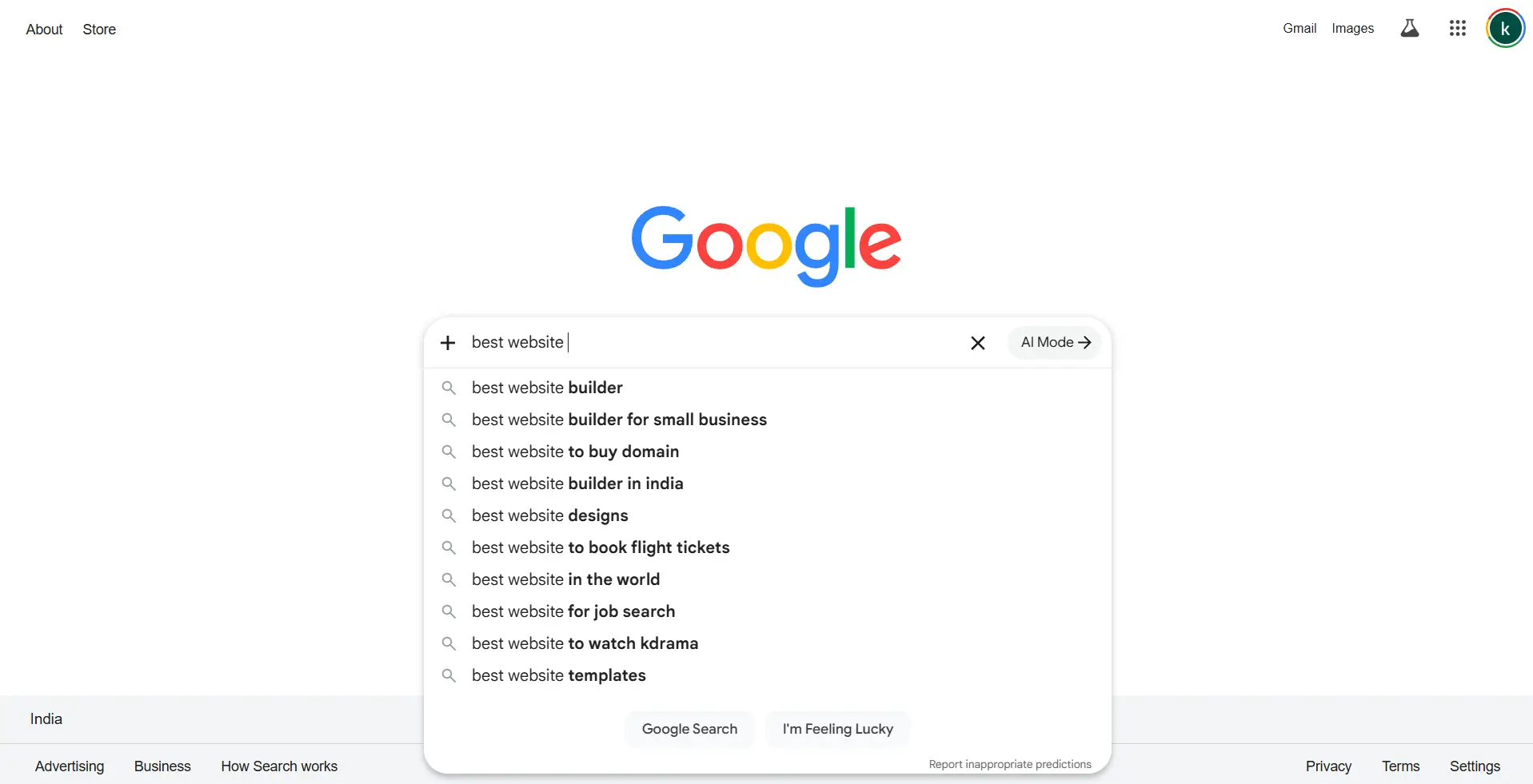
Have you noticed how Google starts suggesting searches while you’re typing?
Those suggestions come from Google Autocomplete. They’re based on real searches that people make every day, making it a quick and easy way to discover keyword ideas.
It’s especially useful for finding long-tail keywords and understanding how users phrase their searches.
Pros
- Completely free.
- Very easy to use.
- Great for finding long-tail keywords.
- Based on real user searches.
Limitations
- Doesn’t show search volume.
- Limited keyword data.
- Best used alongside other tools.
4. Google Trends
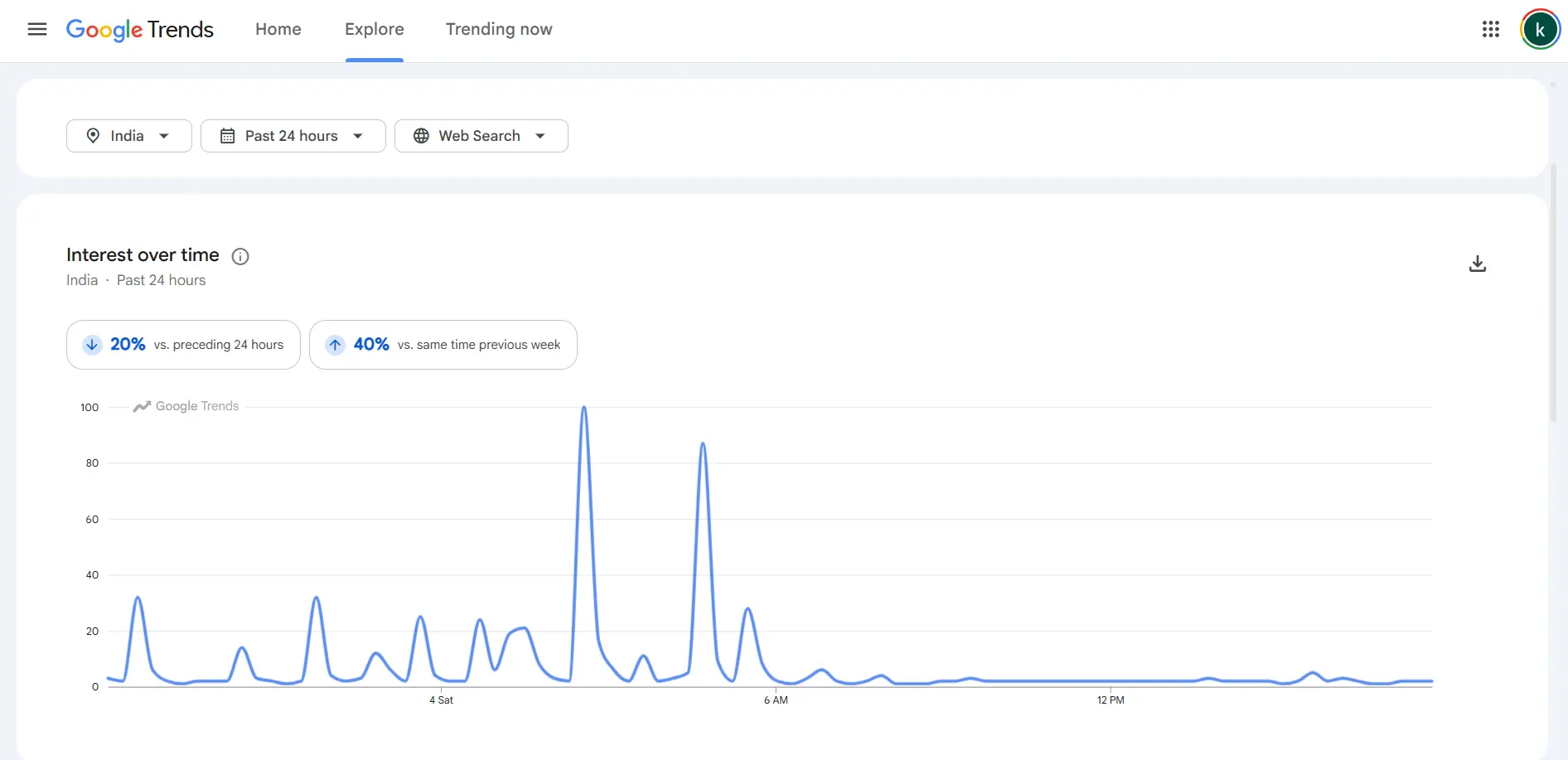
Google Trends helps you understand how interest in a topic changes over time. Instead of focusing only on search volume, it shows whether a keyword is becoming more popular, losing popularity, or experiencing seasonal spikes.
This makes it useful when planning content around trends or events.
Pros
- Completely free.
- Great for identifying trends.
- Compare multiple keywords.
- Helpful for seasonal content planning.
Limitations
- Doesn’t provide exact search volumes.
- There is Limited keyword suggestions.
- Best combined with another keyword research tool.
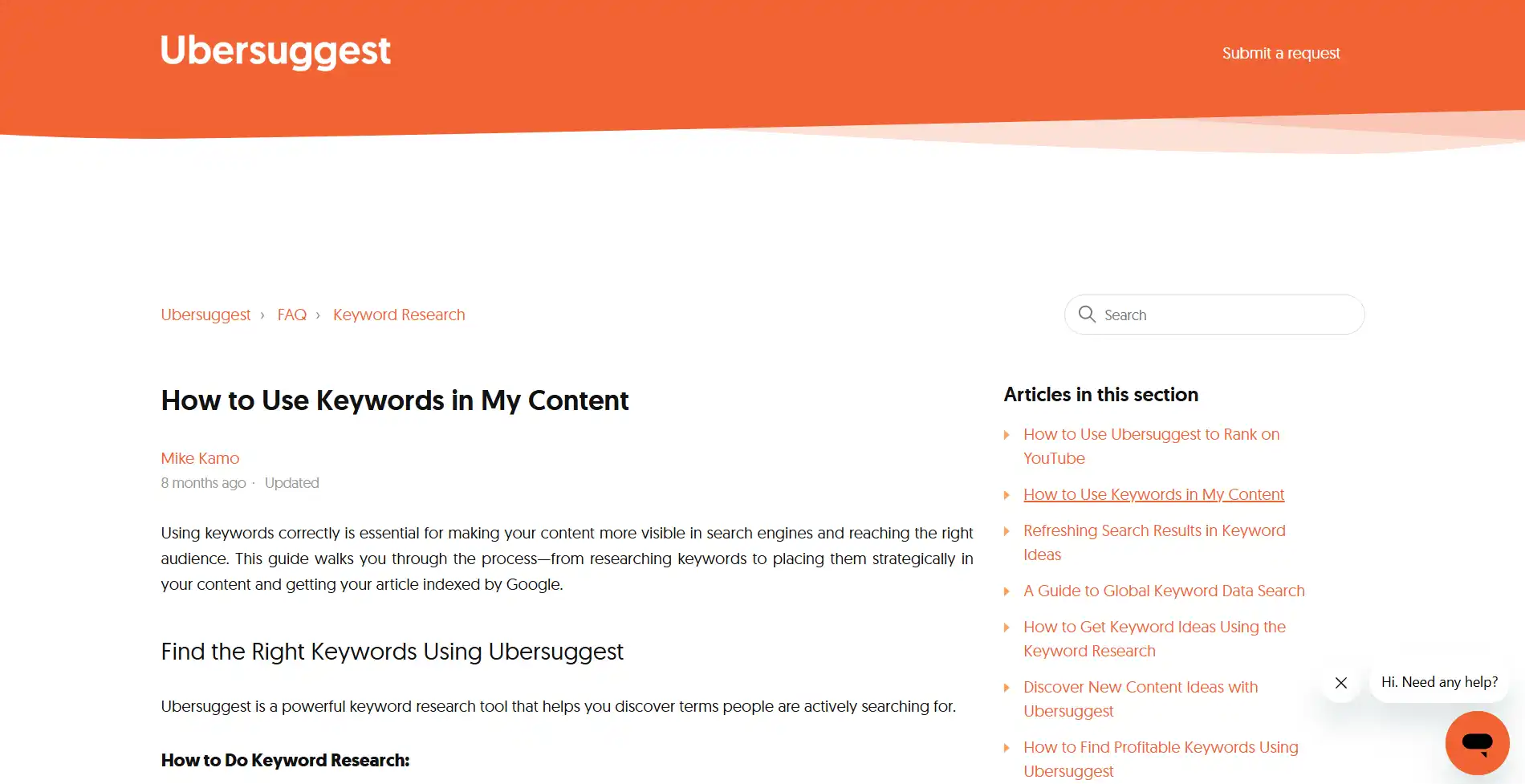
5. Ubersuggest
Ubersuggest is a beginner-friendly SEO platform that combines keyword ideas, search volume, SEO difficulty, and competitor insights in one place. Its free version is enough for beginners who want to explore keyword research without investing in premium software.
Pros
- It's Easy to understand.
- Beginner-friendly interface.
- Keyword difficulty scores.
- Basic competitor research.
Limitations
- There are Daily search limits on the free plan.
- Advanced features require a paid subscription.
- Data may not be as detailed as premium SEO tools.
6. AnswerThePublic
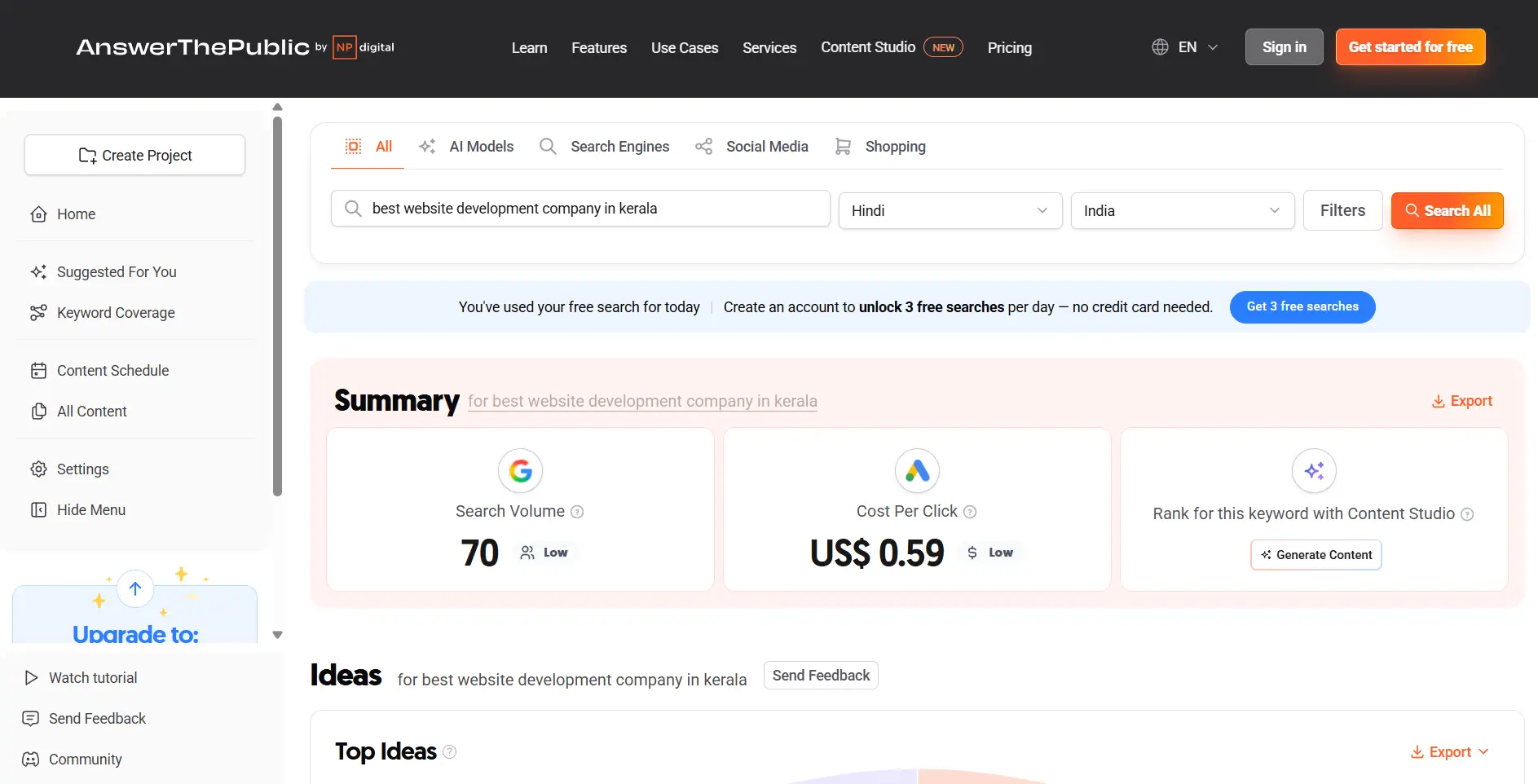
AnswerThePublic takes a different approach to keyword research. Instead of focusing mainly on search volume, it collects questions that people commonly ask about a topic.
This makes it an excellent tool for generating blog ideas and creating content that answers real user questions.
Pros
- Excellent for content ideas.
- Finds real questions people ask.
- Great for blogs and FAQs.
- Easy to understand.
Limitations
- Limited daily searches on the free plan.
- Doesn’t provide detailed SEO metrics.
- Better for brainstorming than complete keyword research.
7. Keyword Surfer
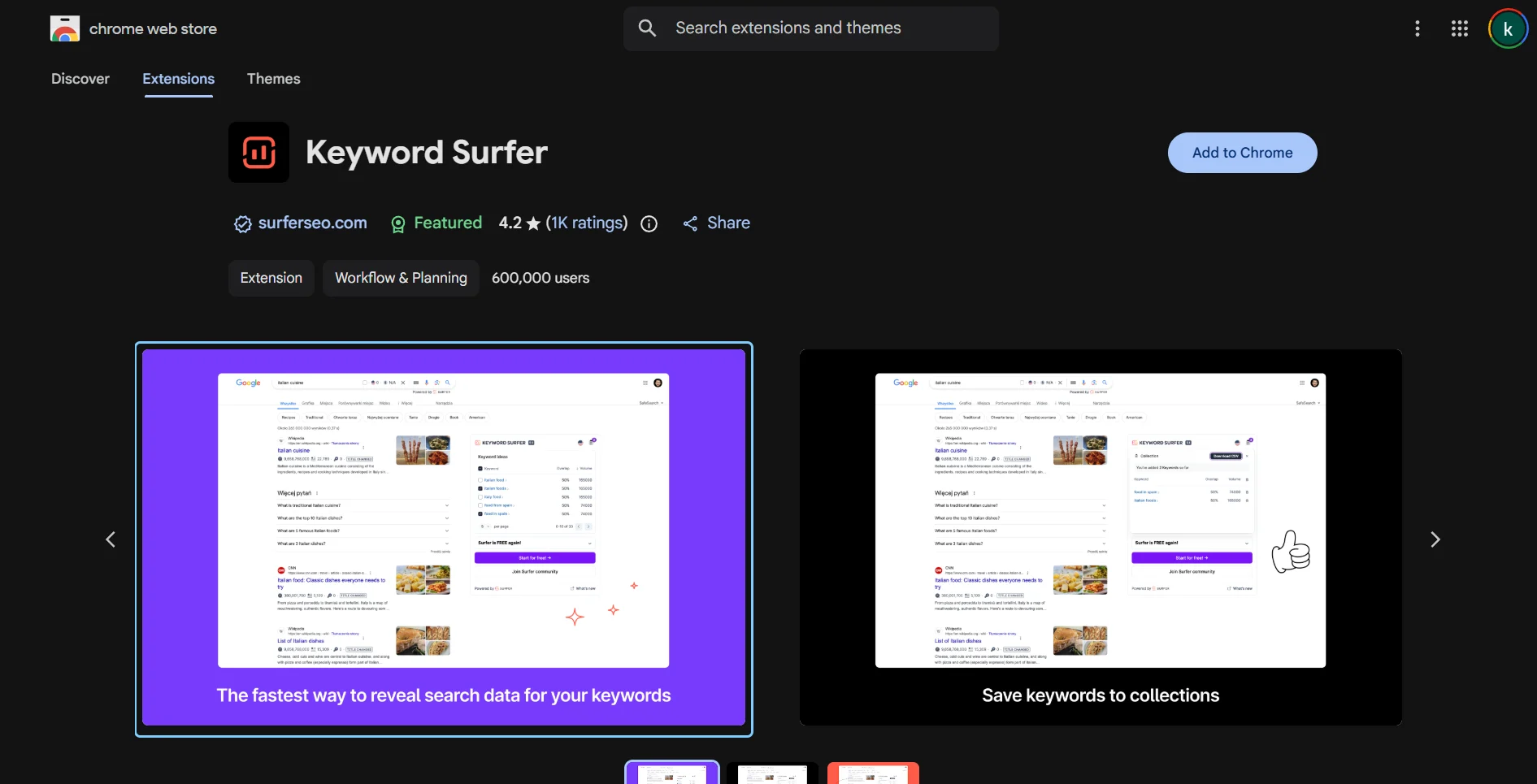
Keyword Surfer is a free Chrome extension that displays keyword data directly within Google Search results. Instead of opening another website, you can see estimated search volumes, related keywords, and content suggestions while browsing.
It’s a convenient option for quick keyword research.
Pros
- It's Completely free.
- Works directly in Google Search.
- Quick and convenient.
- Shows related keyword ideas.
Limitations
- Requires Google Chrome.
- Limited advanced SEO features.
- Search volumes are estimates.
Which Free Keyword Research Tool Should You Choose?
Each tool has its own strengths, and the best choice depends on what you’re trying to achieve.
- Google Keyword Planner is ideal for finding search volumes and keyword ideas.
- Google Search Console is perfect if you already have a website and want to improve existing content.
- Google Autocomplete helps you discover long-tail keywords people are already searching for.
- Google Trends is useful for spotting trending and seasonal topics.
- Ubersuggest offers a beginner-friendly introduction to keyword research.
- AnswerThePublic is great for finding blog topics and frequently asked questions.
- Keyword Surfer makes quick keyword research easy without leaving Google Search.
You don’t have to rely on just one tool. Many SEO professionals combine multiple tools to get a more complete picture.
Final Thoughts
In 2026, your website isn’t just competing with other businesses; it’s competing with every fast, easy-to-use website your customers visit every day.
A mobile-first approach ensures your website is ready for the way people actually browse the internet today.
If your website is difficult to use on a phone, slow to load, or feels outdated, it may be time to make a change.
At Konzepta Advertising, we build modern, responsive websites that combine thoughtful design, fast performance, and SEO best practices. Whether you’re launching a new website or improving an existing one, our team can help you create a website that delivers a great experience on every screen.
Because a great website doesn’t start with the desktop anymore.
It starts with people holding a phone in their hands.